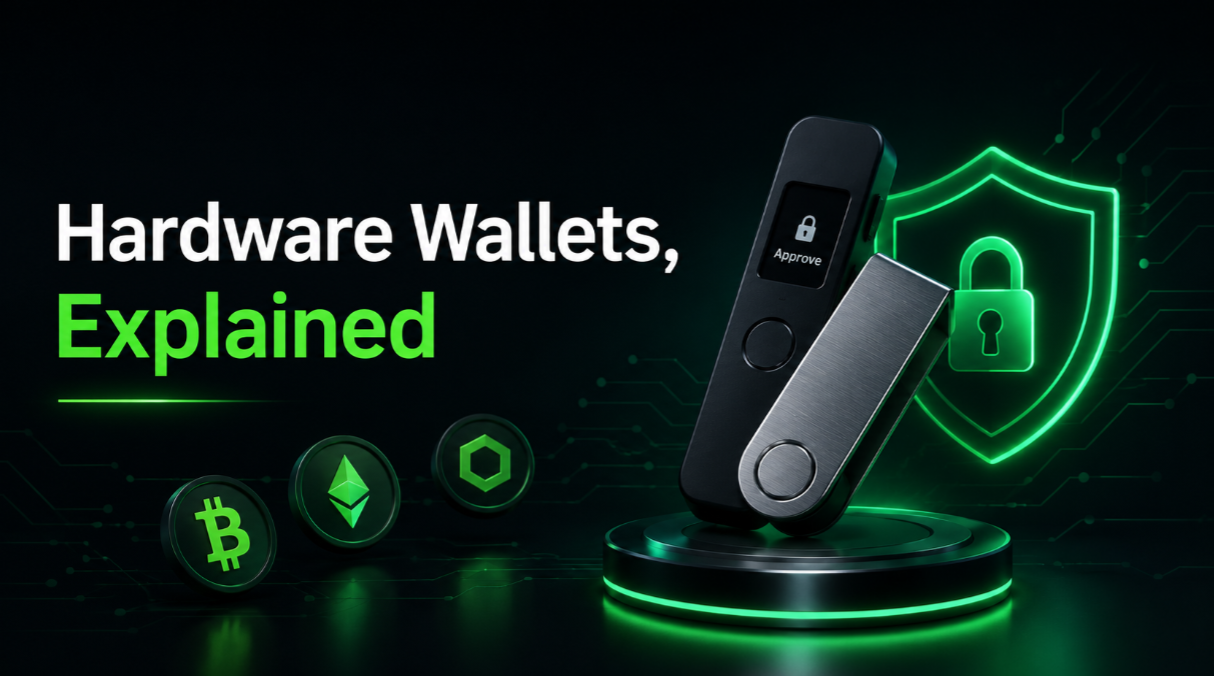
A hardware wallet is a small dedicated device that stores your private keys offline and signs transactions inside its own chip, so the keys that control your crypto never touch an internet-connected computer or phone. Instead of trusting a website or app to hold your funds, you approve every movement by hand on the device itself. This makes it one of the most practical ways for an ordinary person to hold crypto securely.
Key takeaways
- A hardware wallet keeps private keys isolated from the internet and signs transactions internally, so malware on your computer cannot quietly steal funds.
- The device does not "store coins" — it protects the keys that prove ownership of coins recorded on the blockchain.
- Your recovery (seed) phrase is the real backup; if the device is lost, the phrase restores everything, and if the phrase leaks, the device cannot protect you.
- Hardware wallets reduce online attack surface but shift responsibility to you: physical safekeeping and careful transaction checking become your job.
How a hardware wallet actually works
When you own crypto, what you really own is a private key — a secret number that authorises spending from a blockchain address. Whoever controls that key controls the funds. A hardware wallet generates and stores this key inside the device and is built so the key can never be exported in plain form during normal use.
To send funds, your computer or phone prepares an unsigned transaction and passes it to the device over USB, Bluetooth, or QR codes. The device shows you the details on its own screen, you confirm with a physical button, and it returns a signed transaction. The private key stays inside the whole time. This is why the model is often called "cold" signing: the secret never leaves the cold, offline environment even though the broadcast happens online.
Secure elements and open designs
Many hardware wallets use a secure element — a tamper-resistant chip, the same class of hardware used in passports and bank cards, designed to resist physical extraction of secrets. Others favour general-purpose chips with fully open-source firmware so the code can be independently audited. Both approaches have honest trade-offs: secure elements are hard to inspect but strong against physical attacks, while open designs are transparent but may lean on a PIN and encryption rather than dedicated anti-tamper silicon. Neither is a magic shield, and both depend on you keeping the recovery phrase safe.
The seed phrase is the real wallet
During setup the device shows a recovery phrase, usually 12 or 24 words. Those words are a human-readable form of the master secret from which every key is derived. This matters more than the device itself: if your hardware wallet is lost, stolen, or destroyed, you buy a new one, enter the phrase, and your funds reappear. But the reverse is also true — anyone who reads those words can recreate your wallet on their own device and drain it.
So the phrase must be recorded offline and kept private. Write it on paper or stamp it into metal, store copies in separate secure locations, and never type it into a computer, photograph it, or paste it into a cloud note. Some devices add an optional passphrase (a 25th word you choose) that creates a hidden wallet; it adds protection but is unrecoverable if you forget it, so treat that choice seriously.
Honest trade-offs
Hardware wallets are strong, but they are not effortless or risk-free. Being clear about the downsides helps you use one well.
- You carry full responsibility. There is no support line to reset a lost phrase. Self-custody removes the middleman and the safety net at the same time.
- Convenience drops. Confirming on a physical device is slower than tapping an app, which is the point, but it can feel tedious for frequent activity.
- Physical risk remains. Fire, water, loss, and theft are real. This is why backups, not the device, are the foundation of safety.
- Supply-chain and fake-device risk. Buy only new, sealed units directly from the maker or an authorised seller, and let the device generate a fresh phrase itself.
Common mistakes to avoid
Most losses involving hardware wallets are not clever hacks of the chip. They are ordinary human errors around the phrase and confirmations.
- Storing the seed phrase digitally. A photo, screenshot, or cloud note turns an offline secret into an online one. Keep it on paper or metal only.
- Using a pre-filled phrase. If a "new" device arrives with a phrase already printed, it is a scam. A genuine device always generates the phrase in front of you.
- Blind signing. Always read the address and amount on the device screen, not just the computer, because malware can swap a destination address after you paste it.
- Approving unlimited token permissions. Granting broad spending allowances to unknown apps can let them move funds later; review and revoke approvals periodically.
- Keeping only one backup in one place. A single copy in a drawer fails the first time there is a flood, fire, or move.
Do you need one?
A hardware wallet is worth it once the amount you hold is large enough that losing it would genuinely hurt, or once you interact regularly with on-chain apps where a compromised browser could be costly. For very small, actively traded balances, a reputable software wallet may be enough for now. Many people use both: a phone wallet for spending money and a hardware wallet as the vault for long-term savings.
If you are weighing your options, compare independently reviewed devices on our Hardware wallets page, then read the rest of our guides to go deeper. When you are ready to set one up, our walkthrough on how to set up a hardware wallet covers each step, and if a phone-based option fits better for now, see how a software wallet compares.
The core idea is simple. A hardware wallet moves the one thing that must stay secret — your private key — off the internet and into a device that only speaks when you press a button. Handle the recovery phrase with care, verify every transaction on the screen, and you get most of the security benefits of self-custody with a manageable amount of effort.