Fake "TradingView Premium" Android app promoted via ~75 Meta ads, delivering Brokewell malware
Jul–Aug 2025outcome unclear- Outcome
- Impersonation, not a TradingView breach. No compromise of TradingView systems reported

TradingView is a charting and market-data platform with a built-in social network, run by TradingView, Inc. 5. You use it to chart and screen stocks, futures, forex and crypto, write indicators in its Pine Script language, set alerts, and paper-trade. It is not an exchange or broker and never holds your money; real orders go through brokers and crypto exchanges you connect 26. A free Basic plan exists with tight limits and ads. Paid plans cost about $12.95 to $239.95 a month as listed in October 2026 1. TradingView says more than 100 million traders use it 4.
TradingView's core is the chart. You open a symbol — BTCUSDT on a given exchange, a stock, a futures contract — and layer indicators, drawing tools and multiple timeframes over it. Around that sit 12:
For crypto traders, the practical uses are charting exchange-specific pairs, screening coins and DEX pairs, and sending alerts by webhook to bot services such as those described in our crypto trading bots guide. New to charts? See how to read a crypto chart.
Yes, at a basic level. The Basic plan costs nothing and needs no card, but it is limited 12:
| Limit | Basic (free) |
|---|---|
| Charts per tab | 1 |
| Indicators per chart | 2 |
| Saved chart layouts | 1 |
| Active price alerts | 3 |
| Historical bars | 5,000 |
| Watchlists | 1 (30 symbols) |
| Ads | Yes |
Paper trading and trading through connected brokers are available on Basic too 2. Some real-time market data is sold separately as an add-on, and add-ons are not refundable 3, so check a symbol's data label before paying for one.
As listed on October 23, 2026, the pricing page shows four paid plans, with "special price" labels 1:
| Plan | Billed annually (per month) | Billed monthly | Charts per tab | Indicators per chart | Price alerts |
|---|---|---|---|---|---|
| Essential | $12.95 | $14.95 | 2 | 5 | 20 |
| Plus | $29.95 | $34.95 | 4 | 10 | 100 |
| Premium | $59.95 | $69.95 | 8 | 25 | 400 |
| Ultimate | $199.95 | $239.95 | 16 | 50 | 1,000 |
Feature cut-offs worth knowing 2:
TradingView regularly runs seasonal discounts, so the price on any day can differ from the table. Sales tax may be added depending on your location 1.
Payment, cancellation and refunds. You can pay by card, PayPal, Apple Pay or crypto, or through the App Store and Google Play on mobile 3. Cancelling stops renewal; access lasts until the end of the paid term. Refunds are only for annual plans requested within 14 days of payment; monthly plans, upgrades and market-data add-ons are not refundable 3.
Paper trading lets you place simulated orders from the chart with virtual money. It is available on every plan, including Basic 2. It is useful for practising order types (see order types) but does not model slippage, liquidity or fees exactly as a live venue would.
Live trading happens through a broker you connect inside TradingView. The order is executed and the funds are held by that broker or exchange, under its rules, fees and regulation. TradingView's broker directory lists several crypto exchanges, including Bybit, OKX, Bitget and WhiteBIT, alongside forex, CFD and futures brokers 6. Which brokers you can connect depends on where you live and on each broker's own eligibility rules. The directory also shows promotions; those are the broker's offers, not TradingView's.
Pine Script is TradingView's scripting language for indicators, strategies and screeners. Strategies can be backtested on the chart and produce a report of trades and performance metrics; Premium and Ultimate add deep backtesting over longer histories and more detailed bar data 210. Backtest results are hypothetical. They depend on data quality, fill assumptions and fees you set, and past results do not predict live performance.
Searches for a "TradingView API" usually mean one of three official offerings:
TradingView's terms are with TradingView, Inc. Users must be of legal age and not barred from its services under US or other applicable law; sanctioned persons are excluded 5. The terms include an arbitration agreement and class-action waiver. Data licensing rules treat "professional" users (for example, people registered with the SEC or CFTC) differently, which is why those users can only buy the Ultimate plan 15.
TradingView says it does not store payment credentials, passing them to payment processors 3. It publishes security tips, a bug bounty program and a status page.
The bigger risk for crypto users is impersonation:
There is no "free Premium" app, and TradingView's real desktop installer never asks you to paste commands into Terminal. More in how to avoid crypto scams.
TradingView was founded in 2011 and joined the Techstars accelerator in 2013 12. It raised $37 million in 2018 in a round led by Insight Venture Partners 12. In October 2021 it raised $298 million led by Tiger Global, at a $3 billion valuation; Denis Globa was then CEO and co-founder 11. Its terms list an office at 1330 Avenue of the Americas, New York 5.
No breach of TradingView's own systems was found in the sources reviewed for this profile as of October 2026.
Hacks in DefiLlama’s public database are also scored as the security record on the TradingView rating page.
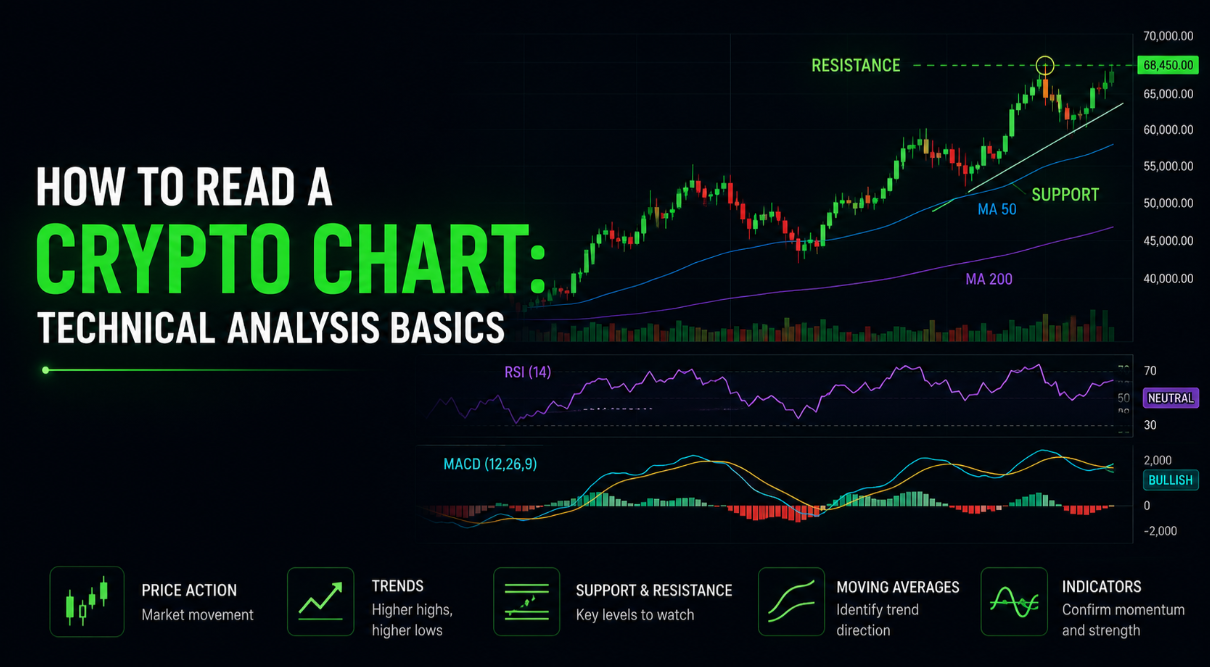 TradingHow to read a crypto chart: technical analysis basicsLearn to read a crypto chart from candlesticks to trendlines, with beginner-friendly technical analysis basics you can apply on any exchange.8 min read·
 ExchangesCrypto Trading Fees and Spreads, ExplainedCrypto trading fees include more than the headline rate. Learn how maker-taker fees, spreads and network costs combine into what you really pay.5 min read·SecurityHow to avoid crypto scams: a safety checklistA practical, beginner-friendly checklist to spot and avoid crypto scams, from fake giveaways to phishing sites and rug pulls.8 min read·
 RegulationBitcoin ETF Outflows Weigh on Market as Interactive Brokers Launches Ethereum StakingSpot Bitcoin ETFs recorded $65.4 million in net outflows as hawkish Federal Reserve comments pressured prices. Meanwhile, Interactive Brokers rolled out Ethereum staking for eligible US clients.4 min read·
 MarketsCFTC Opens Retail Crypto Leverage Rulemaking as Bitcoin Holds Near $84KThe CFTC has begun a rulemaking on leveraged retail crypto trading, while Bitcoin hovers near $84,000 and traders wait for U.S. inflation data and the Fed’s October meeting.4 min read·
 MarketsUS Moves $1B in Seized Bitcoin as Senate Scrutiny of Tether GrowsU.S.-linked wallets shifted 12,267 BTC from a Bitfinex hack seizure address without any exchange deposit, while Senator Richard Blumenthal pressed Cantor Fitzgerald over its Tether partnership.3 min read·
Related: Crypto trading bots · All company profiles