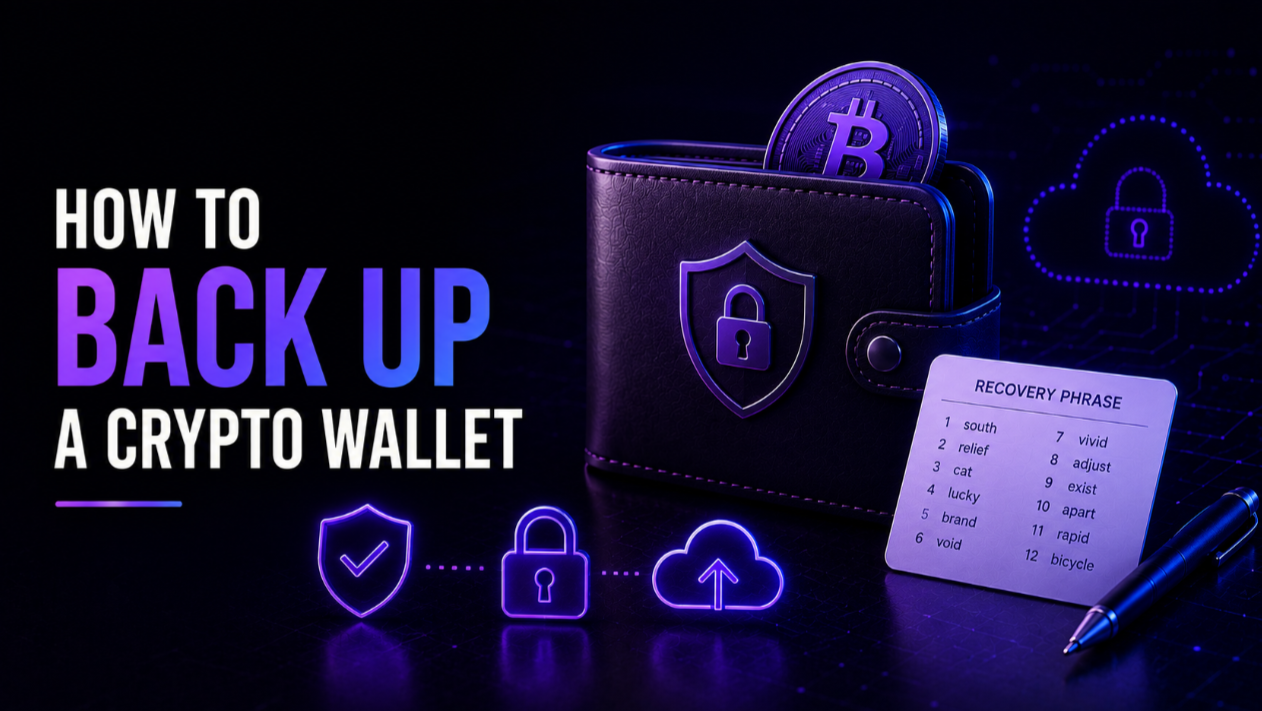
To back up a crypto wallet, you record its recovery phrase — the 12 or 24 words shown at setup — offline and store more than one copy in separate secure locations. That phrase, not the app or device, is the true backup: with it you can restore your wallet anywhere, and without it lost funds are gone for good. A good backup is really just the discipline of doing this carefully and redundantly.
Key takeaways
- Your recovery phrase is the backup; the wallet app and device are replaceable, the phrase is not.
- Store the phrase offline — on paper or metal — never as a photo, cloud note, or digital file.
- Keep at least two copies in separate places so one fire, flood, or theft cannot wipe out access.
- Test your backup by restoring it before you rely on it with meaningful funds.
What you are actually backing up
It helps to be precise about what a wallet backup protects. Your crypto lives on the blockchain, not inside the wallet. What the wallet holds are the private keys that authorise spending, and those keys are all derived from a single master secret displayed to you as a recovery phrase (also called a seed phrase). Back up that phrase and you can recreate every key and address the wallet ever generates.
This is why backing up is not about copying an app or exporting a file. It is about safely preserving those words. Anyone who has them controls your funds, and anyone who loses them loses access, so the entire task is balancing two risks at once: keeping the phrase secret and keeping it recoverable.
How to back up, step by step
The process is simple, but each step exists for a reason.
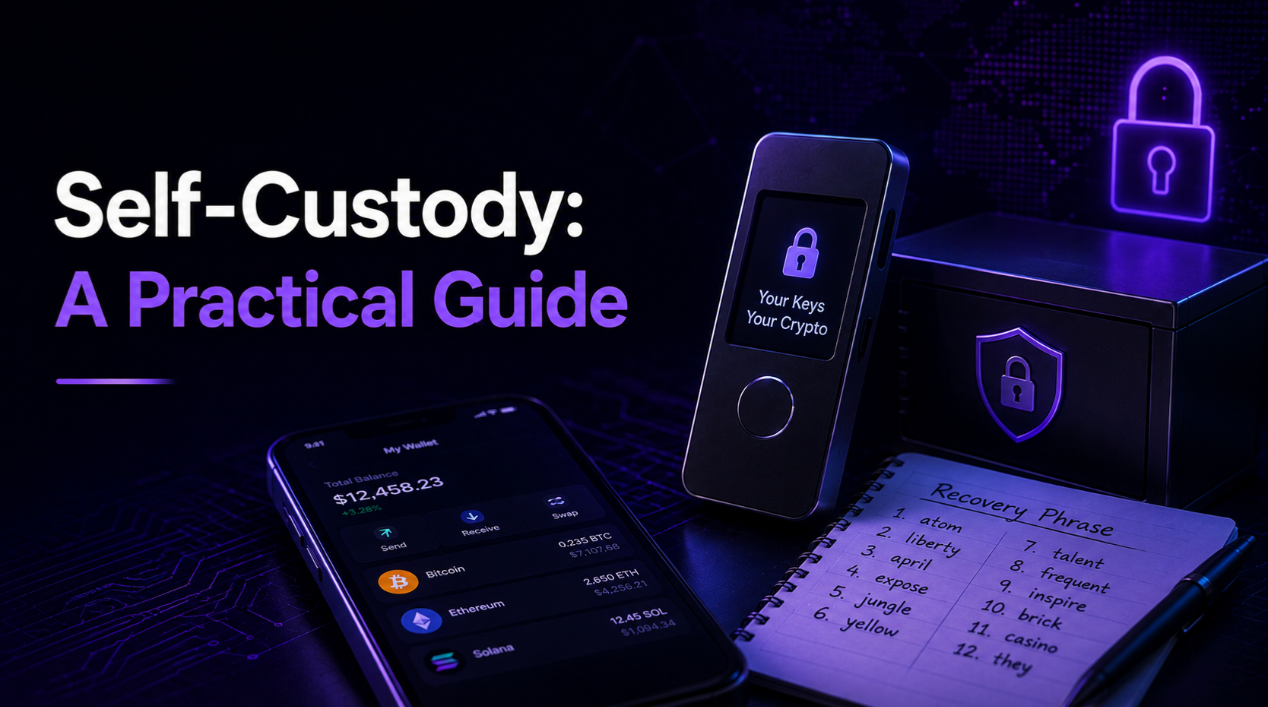
- 1. Write the phrase by hand. When your wallet displays the words, copy them exactly, in order, onto paper or a metal backup plate. Order matters as much as spelling.
- 2. Check every word. Re-read the list against the screen. A single wrong or missing word can make the whole phrase useless during recovery.
- 3. Make a second copy. Duplicate the phrase so you are never relying on one fragile record.
- 4. Store copies apart. Place them in separate secure locations, such as a home safe and a bank deposit box, so no single event destroys both.
- 5. Record context, not on the same page. You may note which wallet a phrase belongs to, but keep any hints separate from the words themselves.
It is also worth thinking about who could recover the funds if something happened to you. A backup so secret that no one can ever find it protects against theft but fails your family. Planning for that, through clear instructions left with a trusted person or a deliberate split of copies, is part of a complete backup rather than an afterthought.
Paper versus metal
Paper is free and fine for getting started, but it burns, fades, and dissolves. For anything you plan to hold long term, a metal backup — words stamped or engraved into steel — resists fire, water, and time far better. Being honest about the durability trade-off is part of a good backup: if the amount matters, invest in a backup medium that will outlast an accident.
If you use an extra passphrase
Some wallets let you add an optional passphrase (a 25th word you choose) that unlocks a separate hidden wallet. If you use one, remember that the recovery phrase alone will not restore those funds — you also need the passphrase, and it is never stored on the device. Back it up as carefully as the phrase, but store it separately, so that finding one record does not expose everything. Forgetting the passphrase means permanent loss, so weigh that responsibility before enabling it.
Test your backup
A backup you have never verified is a guess. Before trusting it with real amounts, confirm it works. You can do a dry run by wiping a spare device (or using the wallet's restore flow) and entering your phrase to check that the correct accounts and addresses reappear. Verifying the restore once gives you genuine confidence that the words you saved are complete and correct, rather than discovering a copying error at the worst possible moment.
Keeping backups secure
A backup that is easy to recover is also easier to steal, so security and redundancy have to be balanced deliberately.
- Keep it offline. The instant the phrase exists in a digital file, screenshot, or cloud account, it becomes an online target.
- Separate the backup from the device. Storing both together means one theft takes everything.
- Limit who knows. Tell only people who genuinely need to know, and consider splitting storage across trusted locations.
- Beware fake helpers. No legitimate support agent will ever ask you to reveal or "verify" your recovery phrase.
Common backup mistakes
Most permanent losses come from backup errors, not hacks. These are the ones to avoid.
- Photographing the phrase. A single picture can sync to the cloud and quietly undo all your offline care.
- Keeping only one copy. One record in one place is one accident away from disaster.
- Storing words in a password manager or note app. Convenient, but it turns an offline secret into a digital one.
- Never testing the restore. Copying errors stay hidden until you try to recover and it is too late.
- Forgetting the passphrase. An extra passphrase that is not backed up separately can lock you out of your own hidden wallet forever.
Putting it together
A solid wallet backup is not complicated: write the phrase by hand, duplicate it, store the copies apart in durable form, and test the restore once. Do that and you can lose a device without losing a cent, because the device was never the point — the phrase was.
To understand how backups fit into holding your own keys, read our guide to self-custody, and if you are choosing where to store keys in the first place, our explainer on what a hardware wallet is covers the offline option. You can find more related material across our guides.